
Introduction
If you’re trying to learn ethical hacking, reading alone won’t get you far. You need a place to actually test things, break things, and understand how systems behave.
That’s exactly what Metasploitable 3 is built for.
It’s a purposely vulnerable virtual machine that runs on your computer, giving you a safe environment to practice scanning, exploitation, and real-world techniques—without any risk.
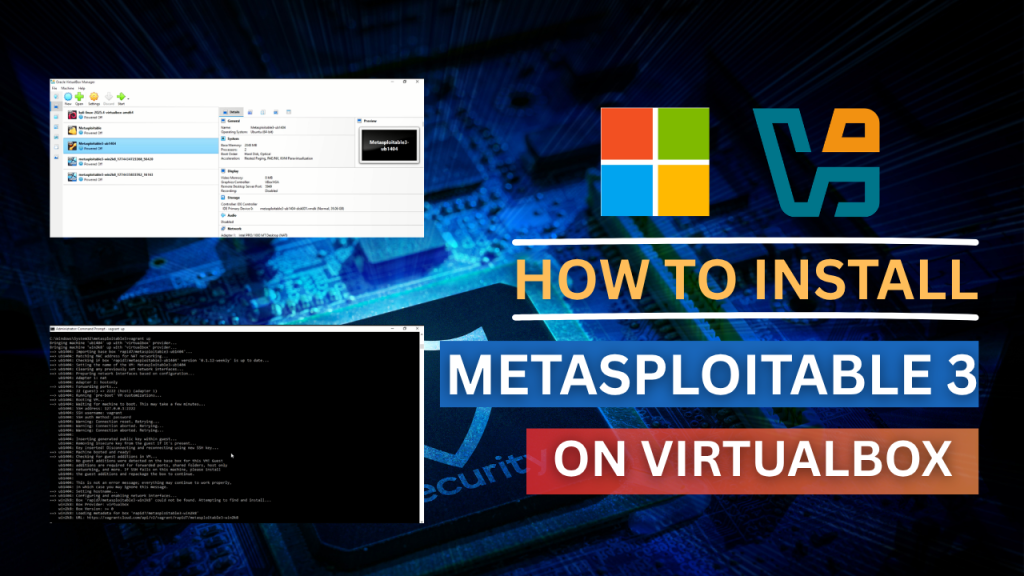
In this guide, you’ll learn how to install Metasploitable 3 on VirtualBox in Windows, using two practical methods:
- ✅ Full setup (complete, recommended)
- ⚡ Quick setup (faster, limited)
By the end, you’ll have your own working lab—and know exactly what to do next.

MEN OF LETTERS
Get the Modern Sovereignty
Framework PDF and join a
community committed to
digital freedom and self-reliance.
Begin Your Sovereignty Protocol
Most people use technology they do not understand.Digital Sovereignty is more than cybersecurity. It is the ability to understand the systems that shape your digital life and consciously take control of them.
- Digital Sovereignty Fundamentals
- Privacy & Security Principles
- AI & Modern Systems
- The Four Pillars of Sovereignty
Start your journey with the free PDF.
What is Metasploitable 3?
Metasploitable 3 is a deliberately vulnerable virtual machine used to practice ethical hacking in a safe and controlled environment.
It’s widely used by beginners because it simulates real-world security flaws without legal risks.
Why Set Up a Local Hacking Lab?
A proper lab changes everything.
Instead of guessing, you start:
- Seeing real vulnerabilities
- Running actual scans
- Understanding how attacks work
This is where theory turns into skill.
System Requirements (Important)
Before starting, make sure your system can handle it.
Minimum:
Recommended:
Performance Tip (Monetization Opportunity)
If your system feels slow during setup, it’s usually a hardware limitation.
👉 A simple upgrade can make a massive difference:
Even budget upgrades can cut setup time significantly.
Tools You’ll Need
Install these before you begin:
These tools automate the entire setup process.
Method 1: Full Setup (Recommended)
This is the most reliable way to install Metasploitable 3. It takes longer, but everything works exactly as expected.
Step 1: Clone the Repository
git clone https://github.com/rapid7/metasploitable3.git

cd metasploitable3
Step 2: Install Required Plugins
vagrant plugin install vagrant-reload
vagrant plugin install vagrant-vbguest
Step 3: Build the Machine
vagrant up
Now let it run.
- Expect 1–3 hours
- System may slow down
- That’s normal
Why You Don’t See a Desktop
After setup, you might open VirtualBox expecting a full interface.
Instead, nothing obvious appears.
That’s because Metasploitable runs in headless mode:
- No GUI
- No desktop
- Runs in the background
This is how real servers operate.
Method 2: Quick Setup (Faster Alternative)
If you want something quicker to get started, this method works.
Step 1: Create Workspace
mkdir C:\Metasploitable3; cd C:\Metasploitable3
Step 2: Download Configuration
Invoke-WebRequest -Uri "https://raw.githubusercontent.com/rapid7/metasploitable3/master/Vagrantfile" -OutFile "Vagrantfile"
Step 3: Start Setup
vagrant up --provider virtualbox
Limitations of This Method
- May not include full vulnerabilities
- Some exploit tutorials may fail
👉 Good for quick testing
👉 Not ideal for serious practice
How to Confirm Installation
Check Status
vagrant status
If it shows “running,” you’re good.
Access the Machine
vagrant ssh
Then:
ip addr
Use this IP for scanning.
Networking Setup (Important)
To connect another VM (like Kali Linux):
- Enable Host-only Adapter in VirtualBox
- Apply it to both machines
This creates a safe internal network.
Common Issues (Quick Fixes)
Hyper-V Conflict
Disable Hyper-V in Windows Features and restart.
Virtualization Not Enabled
Enable VT-x or AMD-V in BIOS.
Slow Performance
Upgrade RAM or switch to SSD.
What to Do After Setup
Now your lab is ready—this is where things get interesting.
Start with:
- Nmap scanning
- Port discovery
- Service analysis
Is Metasploitable 3 Safe?
Yes—when used properly.
- Local virtual machine
- Isolated environment
Not safe:
- Connecting to the internet
Always keep your lab private.
FAQ
Why is Metasploitable 3 not showing in VirtualBox?
It’s likely running in headless mode, meaning no graphical interface appears.
Can I run Metasploitable 3 on 8GB RAM?
Yes, but performance may be slow. 16GB is recommended.
How long does installation take?
Usually between 1 to 3 hours, depending on your system.
Final Thoughts
Setting this up might feel technical at first—but once it’s done, everything changes.
You now have:
- A real hacking lab
- A safe practice environment
- A strong foundation
From here, it’s all about consistent practice.
What’s Next?
Your next step:
Learn how to scan Metasploitable 3 using Nmap
Nmap Commands Explained: Essential Scans for Beginners
That’s where you stop following steps—and start thinking like a hacker.
LATEST PROTOCOL GUIDES
Practical Guides. Real Results
DIGITAL




Start Your Protocol
Small, deliberate steps create massive transformation over time.